

Dynamic QR codes
Print your QR code once, change the destination any time
- Download SVG or PNG
- Your logo and brand colours
- Scan counting
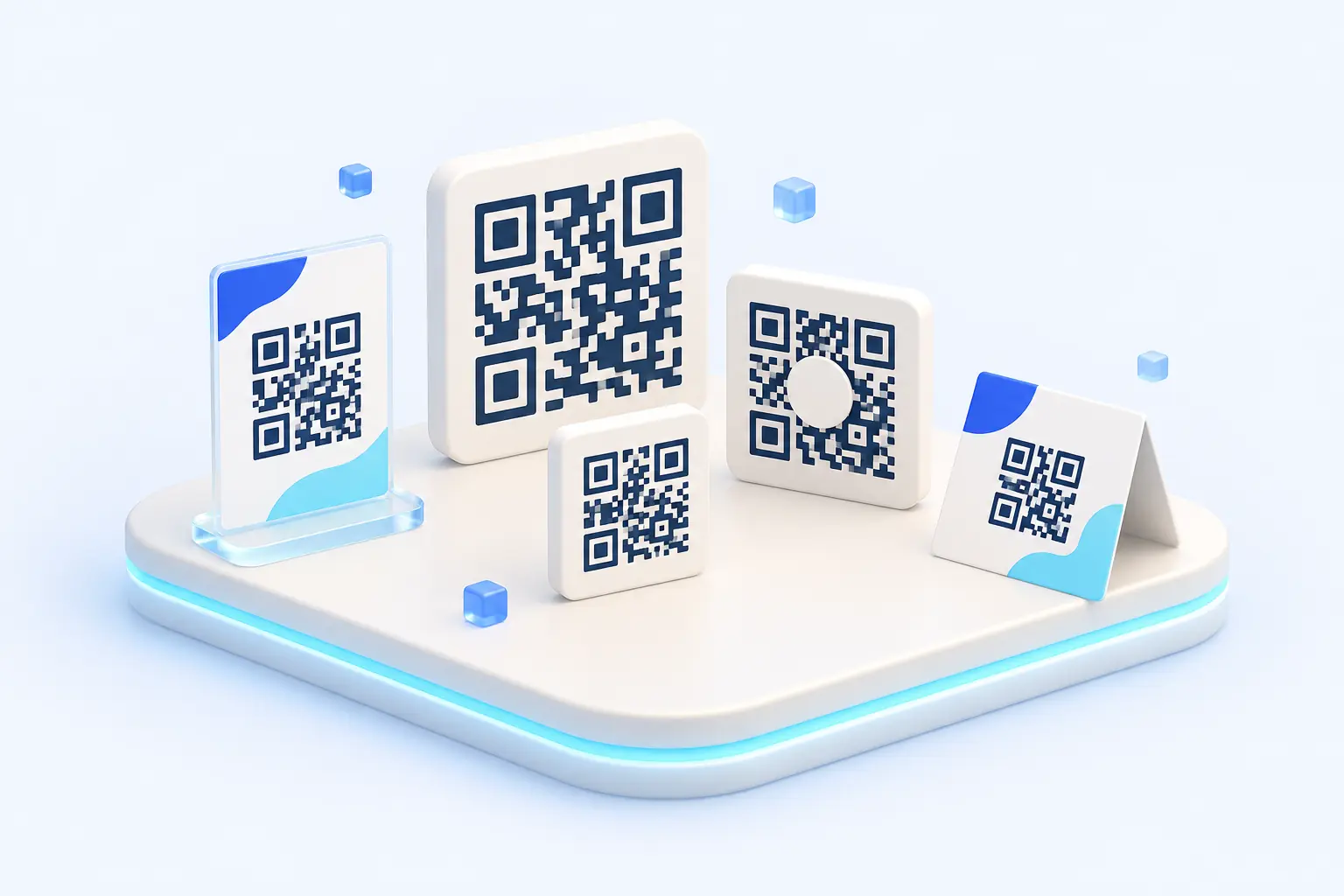
A dynamic QR code points to a short link instead of straight to the destination page. When you change the short link's destination, every printed copy of the QR code follows to the new target, and each scan is counted as a click.
What's included
Dynamic QR codes on 1Go.vn
Change the destination without reprinting
Edit the link's destination; QR codes on printed items lead to the new page automatically.
SVG for print, PNG for screens
Download SVG to print at any size, or PNG at 512 and 1024 px for posts and slides.
Logo in the middle
Add your brand logo; 1Go raises error correction to level H so the code still scans.
Contrast warnings
If the code and background colours are too close (below 4:1), 1Go warns you before you download.
Count scans by channel
Add a “printed ticket QR” UTM to separate QR scans from online clicks in your analytics.
Map by province
See which province or city your scans come from on the map covering 34 provinces and cities.
How it works
Create a dynamic QR code
- Create or open a short link.
- Open the QR code section and choose colours, logo and size.
- Download SVG to print, or PNG to post online.
FAQ
Frequently asked questions
Explore
Other features
Start for free, no card required
Create an account with your email in a minute. The Free plan includes 10,000 links, 10 custom domains and 5 members.